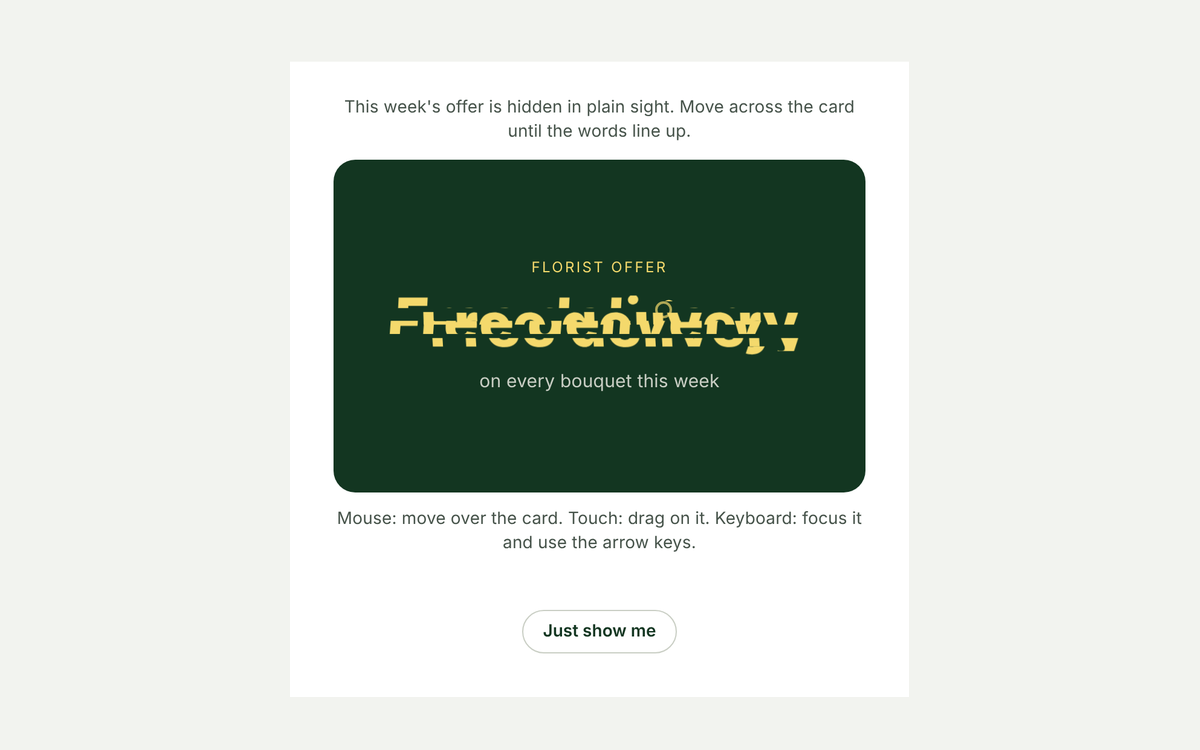
Few interactions feel as instantly familiar as a scratch card. Drag across the foil, watch it come away, and the message underneath appears. It takes one canvas and under a hundred lines of JavaScript, and it is a nice way to hand out a tip, a discount code or the answer to a quiz.
How it works
- The prize is real HTML. The message sits in the card as normal text, so it is readable by screen readers and search engines from the start. The foil is only a picture on top.
- Paint the foil. A canvas covers the card. The script fills it with a soft metallic gradient, sprinkles a few hundred tiny dots for grain and writes "Scratch here". It scales by the device pixel ratio so the foil stays sharp on high resolution screens.
- Erase as you drag. With the canvas set to
destination-out, every stroke removes paint instead of adding it. Strokes are thick round lines from the last pointer position to the new one, so fast movement leaves no gaps. - Count what is left. Every eight moves the script samples the transparency of every sixteenth pixel. Once more than half the foil is gone, it fades the rest away so nobody has to scrub every corner.
- Offer a shortcut. A "Reveal without scratching" button does the same thing for keyboard users and anyone who would rather not drag.
The code
<div class="sc" data-lab="scratch-card">
  <div class="sc-card">
    <div class="sc-prize">
      <span class="sc-kicker">Today's tip</span>
      <strong>Reply to every Google review within two days, good or bad.</strong>
    </div>
    <canvas class="sc-foil" aria-hidden="true"></canvas>
  </div>
  <button type="button" class="sc-reveal">Reveal without scratching</button>
</div>.sc {
width: min(100%, 360px);
display: grid;
justify-items: center;
gap: 14px;
font-family: system-ui, sans-serif;
}
.sc-card {
position: relative;
width: 100%;
aspect-ratio: 16 / 9;
border-radius: 16px;
overflow: hidden;
background: #133621;
color: #f2f3ef;
box-shadow: 0 18px 40px -24px rgba(16, 26, 20, .6);
}
.sc-prize {
position: absolute;
inset: 0;
display: grid;
align-content: center;
gap: 8px;
padding: 24px;
text-align: center;
}
.sc-kicker { font-size: 12px; letter-spacing: .14em; text-transform: uppercase; color: #f4d96c; }
.sc-prize strong { font-size: 19px; line-height: 1.35; }
.sc-foil {
position: absolute;
inset: 0;
width: 100%;
height: 100%;
touch-action: none;
cursor: crosshair;
transition: opacity .6s ease;
}
.sc-card.is-open .sc-foil { opacity: 0; pointer-events: none; }
.sc-reveal {
border: 0;
background: none;
color: #133621;
font: 500 14px system-ui, sans-serif;
text-decoration: underline;
cursor: pointer;
}(function () {
var root = document.querySelector('[data-lab="scratch-card"]');
if (!root) return;
var card = root.querySelector('.sc-card');
var canvas = root.querySelector('.sc-foil');
var ctx = canvas.getContext('2d', { willReadFrequently: true });
var btn = root.querySelector('.sc-reveal');
var BRUSH = 38; // scratch width in CSS pixels
var OPEN_AT = 0.5; // reveal everything once half the foil is gone
var drawing = false, last = null, moves = 0, done = false;
// Paint the foil: a soft metallic gradient, a little grain and a label.
function paintFoil() {
var r = card.getBoundingClientRect();
var dpr = Math.min(2, window.devicePixelRatio || 1);
canvas.width = Math.round(r.width * dpr);
canvas.height = Math.round(r.height * dpr);
ctx.setTransform(dpr, 0, 0, dpr, 0, 0);
ctx.globalCompositeOperation = 'source-over';
var g = ctx.createLinearGradient(0, 0, r.width, r.height);
g.addColorStop(0, '#c9cec4');
g.addColorStop(0.5, '#eef0ea');
g.addColorStop(1, '#a7aea3');
ctx.fillStyle = g;
ctx.fillRect(0, 0, r.width, r.height);
ctx.fillStyle = 'rgba(16, 26, 20, .08)';
for (var i = 0; i < 260; i++) ctx.fillRect(Math.random() * r.width, Math.random() * r.height, 1.5, 1.5);
ctx.fillStyle = '#46534a';
ctx.font = '600 18px system-ui, sans-serif';
ctx.textAlign = 'center';
ctx.textBaseline = 'middle';
ctx.fillText('Scratch here', r.width / 2, r.height / 2);
}
function point(e) {
var r = canvas.getBoundingClientRect();
return { x: e.clientX - r.left, y: e.clientY - r.top };
}
// "destination-out" erases instead of painting, so each stroke cuts through the foil.
function scratch(p) {
var from = last || p;
ctx.globalCompositeOperation = 'destination-out';
ctx.lineWidth = BRUSH;
ctx.lineCap = 'round';
ctx.lineJoin = 'round';
ctx.beginPath();
ctx.moveTo(from.x, from.y);
ctx.lineTo(p.x + 0.01, p.y);
ctx.stroke();
last = p;
if (++moves % 8 === 0 && clearedShare() > OPEN_AT) reveal();
}
// Sample every 16th pixel's alpha to estimate how much foil is left.
function clearedShare() {
var data = ctx.getImageData(0, 0, canvas.width, canvas.height).data, gone = 0, n = 0;
for (var i = 3; i < data.length; i += 64) { n++; if (data[i] < 128) gone++; }
return gone / n;
}
function reveal() {
if (done) return;
done = true;
drawing = false;
card.classList.add('is-open');
btn.hidden = true;
}
canvas.addEventListener('pointerdown', function (e) {
if (done) return;
drawing = true;
last = null;
canvas.setPointerCapture(e.pointerId);
scratch(point(e));
});
canvas.addEventListener('pointermove', function (e) { if (drawing) scratch(point(e)); });
['pointerup', 'pointercancel'].forEach(function (type) {
canvas.addEventListener(type, function () { drawing = false; last = null; });
});
btn.addEventListener('click', reveal);
paintFoil();
var width = card.offsetWidth;
if ('ResizeObserver' in window) {
new ResizeObserver(function () {
if (!moves && !done && card.offsetWidth !== width) { width = card.offsetWidth; paintFoil(); }
}).observe(card);
}
})();When to use it, and when not to
It works well for small rewards and surprises: a coupon on a campaign landing page, a daily tip, a reveal on a thank you page, a teaser for an event announcement. The physical gesture makes people curious enough to finish.
Do not hide information people genuinely need behind it, such as prices, terms or opening hours. Also be careful with "chance" language: if the card suggests people might win something, check your local contest rules, which in Canada can apply to promotions with prizes. A tip or a fixed discount for everyone avoids that question entirely.
Make it yours
- Brush:
BRUSHsets the scratch width; wider feels easier on phones. - Threshold:
OPEN_ATis the share of foil that has to go before the card clears. 0.5 feels generous; 0.7 makes people work for it. - Foil: swap the gradient colours or draw an image onto the canvas in
paintFoil()for a branded cover.
Frequently asked questions
Does it work on touch screens?
Yes. It uses pointer events and sets touch-action: none on the foil, so dragging scratches the card instead of scrolling the page.
Can people cheat by reading the page source?
Yes, the prize is in the HTML. That is fine for tips and open discounts. For one time codes, load the code from your server after the card is revealed.
Why sample pixels instead of counting strokes?
Strokes overlap, so counting them says little about how much foil is gone. Sampling the canvas measures the real result and stays cheap because it only checks a small share of pixels.