
Black Friday lands on November 27 this year and Cyber Monday on November 30. You scroll Instagram with your Shopify admin open in another tab, and every store you compete with is running a short vertical video. You have product photos, a small budget and two weekends.
Here is the short answer. A Shopify video ad has two separate costs: making the video, and paying a platform to show it. Making one can cost nothing (your phone plus a free editor), from $10 a month with an AI video tool such as Creatify (no currency named on its page), product gifts plus commission if a creator films it, or a quoted price from a local videographer. Showing it starts with free connectors: Shopify's Facebook and Instagram channel, and TikTok's and Google's apps, are all free to install, and you then pay the ad spend you set, billed by each platform. TikTok's own help page says a campaign budget must exceed $50 and an ad group budget must exceed $20.
Key takeaways
- The Facebook and Instagram, TikTok, and Google and YouTube connectors for Shopify are free to install; the ad spend is billed by Meta, TikTok or Google, not by Shopify.
- The cheapest way to make a usable video is your phone and a free editor; an AI tool such as Creatify starts at $10 a month for 55 credits, and its free plan adds a watermark.
- On TikTok, budgets must exceed $50 at campaign level and $20 at ad group level, so plan for that floor before you build anything for it.

Options at a glance
| Option | Best for | Free start | Paid from | Canadian note |
|---|---|---|---|---|
| Phone plus CapCut | Owners who can show the product in use | CapCut offers a "Try online for free" option | Pro price not published on its help page | No Canadian pricing shown |
| Shopify Magic media editor | Cleaner product photos to build a slideshow video from | No extra cost for a limited time, per Shopify | Not stated | Works inside your Shopify admin; images only, no video |
| Creatify | Stores that want many AI versions to test | 10 credits a month, watermarked | $10 a month for 55 credits (currency not stated on the page) | Currency not stated on the page |
| Creators via Shopify Collabs | Real hands and faces on your product | Free to install | Gifts and commission you set; a 2.9% processing fee on automatic payments may apply | Charges billed in USD |
| Local videographer | A flagship video you will use for a long time | None | Quoted per project | A local supplier may charge GST/HST on the quote |
How we chose
- Official pages only for every price, limit and rule.
- Published features and pricing, not hands on testing.
- What matters to a small Canadian store: a low monthly floor, quick setup, and which charges land in US dollars.
- Nobody pays to be included.
Cost one: making the video
Phone plus a free editor
What it is: you film the product in use on your phone and cut it into a 9:16 clip with captions.
Best for: products that look good moving, such as clothing, food, candles, cosmetics and tools.
- Free start: CapCut offers a "Try online for free" option.
- Captions you add for people who watch with the sound off.
- Pro extras: CapCut says Pro adds premium templates, special effects and enhanced audio tools.
Why it stands out: real footage of your product costs only your time.
Limits: it takes a few hours per batch; lighting and sound depend on you; check music and template licence terms before using them in a paid ad.
Price: free to try; CapCut's help page does not publish the Pro price, and says the Pro trial runs for a limited period without stating how long.
Want the clip on the product page too? Shopify accepts videos up to 1 GB and 10 minutes, in MOV, MP4 or WEBM.
Shopify Magic media editor
What it is: AI image editing inside the Shopify admin that can replace a background with a solid colour, or change the scene with a short text prompt.
Best for: plain product photos you want to turn into better stills for a slideshow style ad.
- Background swap with automatic subject detection.
- Generate a new scene from a prompt of a few words.
Why it stands out: it is already in your admin.
Limits: Shopify's page describes image editing only, not video; output defaults to about 1 megapixel; generated images carry an invisible watermark that cannot be removed, though Shopify says it does not restrict commercial use.
Price: Shopify says it is available at no additional cost for a limited time. The same page also lists eligible plans, so check your own admin.
AI video tool (Creatify as the example)
What it is: paste a product link or script and the tool builds avatar or product videos.
Best for: stores that want to test several hooks quickly.
- Free plan: 10 credits a month, which Creatify says is up to 2 video ads.
- Paid plans add more credits and remove the watermark.
Why it stands out: many variations from one product page, without filming.
Limits: free exports include a watermark, which looks poor in a paid ad; credits expire after two months; AI people in ads may need a label under platform rules (see our guide to AI ad disclosure rules in Canada).
Price: Standard is $10 a month for 55 credits, shown against a crossed out $15; Pro is $38 a month for 280 credits. The page shows a $ sign with no currency named. Our Creatify pricing guide has the full plan breakdown.
Creators through Shopify Collabs
What it is: Shopify's own app for recruiting creators, sending them product gifts and paying commission on sales they drive.
Best for: stores whose customers trust real people more than polished ads.
- Recruit creators with an application page or direct invites.
- Send and track gifts through Shopify.
- Affiliate links and discount codes for each approved creator, with commissions paid through your Shopify bill.
Why it stands out: you pay mainly in product and commission, not a flat fee per video.
Limits: the listing does not mention content rights, so a creator's video is not automatically yours to run as an ad; charges are billed in USD.
Price: free to install; Shopify's listing says a 2.9% commission processing fee on automatic payments may apply.
Local videographer
A person or small studio plans, shoots and edits for you, at a quoted price. It suits a hero video you will reuse for a year, less so the many short versions ad platforms reward.
Cost two: showing the video
All three connectors are free to install; each platform bills you directly.
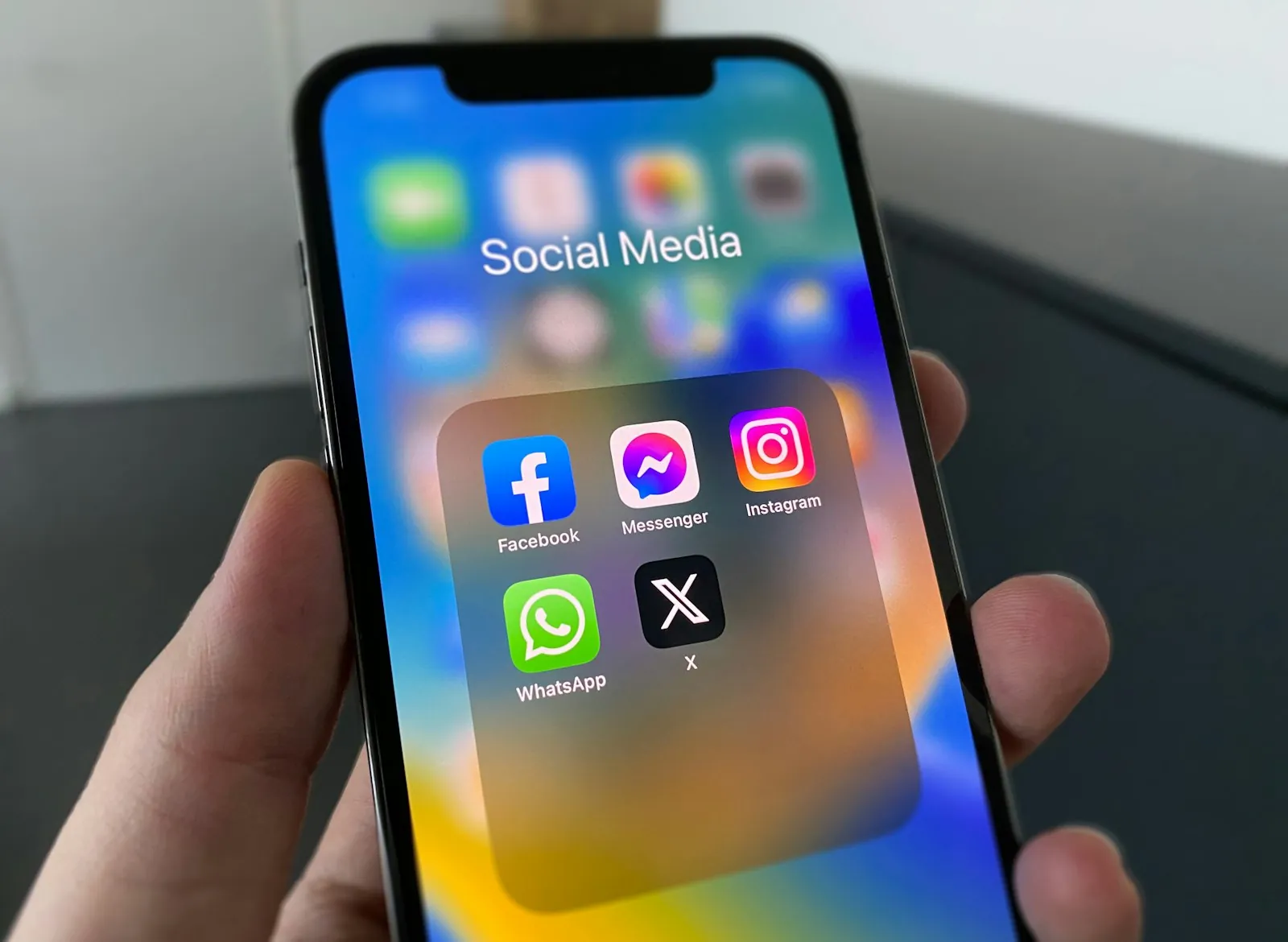
- Facebook and Instagram by Meta. A Shopify sales channel with one product catalog for Facebook Shop, Instagram Shopping and Facebook marketing, plus Meta Pixel setup. Your tax settings must be set before you finish, and some features need an ad account. Meta's developer documentation says budgets are set in your ad account's currency.
- TikTok. Built by TikTok, with catalog sync, one click Pixel setup and video ads. Ad spend is billed to your TikTok ad account, and the listing says charges are in US dollars. TikTok's help page says campaign budgets must exceed $50 and ad group budgets must exceed $20, without naming a currency.
- Google and YouTube. Built by Google. It syncs products to Merchant Center and offers Performance Max campaigns that run across Search, YouTube and other Google properties. Ad spend is billed to your Google Ads account.
Since August 26, 2025, Shopify says Meta no longer handles checkout for new orders from the Facebook and Instagram channel; customers finish on your online store. That makes the landing page part of the ad. Our guide on turning Shopify listings into product video ads covers where to send the click.
A worked first month budget
An example to copy and adjust, not a recommendation. The ad budget is your choice.
| Line | Example | Cost |
|---|---|---|
| Filming and editing | Phone and CapCut without Pro | $0 |
| Extra AI versions | Creatify Standard, one month | $10 (currency not stated on the page) |
| Meta ads | $15 a day for 14 days, in your ad account currency | $210 |
| Connectors | Facebook and Instagram channel | $0 to install |
Two weeks at $15 a day is 15 × 14 = $210 of ad spend. If you add TikTok, its ad group floor alone means at least $20 a day, or more than $140 over seven days, before you count the campaign level rule.
Copy and paste: creator request with ad rights
Get a written yes before you put a creator's video behind ad spend.
Hi [name], thanks for the video of our [product]. We love it. Could we run it as a paid ad on Instagram, Facebook and TikTok for [3 months], starting [date]? We would credit you as [handle], keep paying your [X]% commission on sales through your link, and stop running it any time you ask. If that works, a quick reply saying "yes, you can run it as an ad until [end date]" is all we need. Thanks, [your name], [store]
Common problems and fixes
- The ad shows a watermark. Free AI plans add one. Upgrade for the month you need, or edit your own footage instead.
- Setup stalls on the Facebook Page. Shopify says the business portfolio you pick must own the Page during onboarding, and staff need full control of the portfolio and Page.
- Clicks but no sales. Point the ad at the exact product page, and check it loads fast on a phone.
Our take
- Solo owner, first video ad: phone footage edited in an app such as CapCut, run through the Facebook and Instagram channel on a small daily budget. Lowest fixed cost, and it shows your real product.
- Small team testing lots of versions: add one month of an AI video tool to turn your best seller into several hooks, then keep only what sells.
- Online store with a loyal following: Shopify Collabs, with written ad rights from each creator.
- Brand video you will reuse all year: get two or three local quotes.
When the pick would change: if your customers mostly find you on TikTok, budget for its floor first; if people search for your product by name (a part, a refill), Google's app may matter more than a Reel. For sizes and safe zones, see our Reels ad guide.
Frequently asked questions
Does Shopify charge for Facebook, Instagram or TikTok ads?
No. The Facebook and Instagram channel, the TikTok app and the Google and YouTube app are free to install. You pay ad spend to Meta, TikTok or Google, billed to your ad account with each platform.
What is the minimum budget for TikTok ads from a Shopify store?
TikTok's help page says a campaign budget must exceed $50 and an ad group budget must exceed $20. The page does not name a currency, so check the amount shown in your own TikTok Ads Manager.
Can I make a video ad from my Shopify product photos?
Yes. Clean up the photos in Shopify Magic's media editor (it makes images, not video), then animate them in an editor such as CapCut, or paste the product link into an AI video tool.
Can I use a creator's video as an ad?
Only with their permission. Shopify Collabs handles gifts, links and commission, but its listing does not mention content rights, so get a written yes that names the platforms and the end date.
Sources
- Shopify Help Centre: Setting up Facebook and Instagram by Meta
- Shopify Help Centre: Uploading and managing files (video requirements)
- Shopify Help Centre: Media generation powered by Shopify Magic
- Shopify App Store: Shopify Collabs
- Shopify App Store: TikTok
- TikTok Ads Help: About budgets for ads in TikTok Ads Manager
- Shopify App Store: Google and YouTube
- Meta for Developers: Budgets
- Creatify pricing (official)
- CapCut Help: CapCut Pro free trial